

Reports
Reports
GEOlyze can generate PDF reports for sharing analysis results with clients, stakeholders, or for your own records. Reports are rendered server-side and downloaded directly to your browser.
Analysis run report
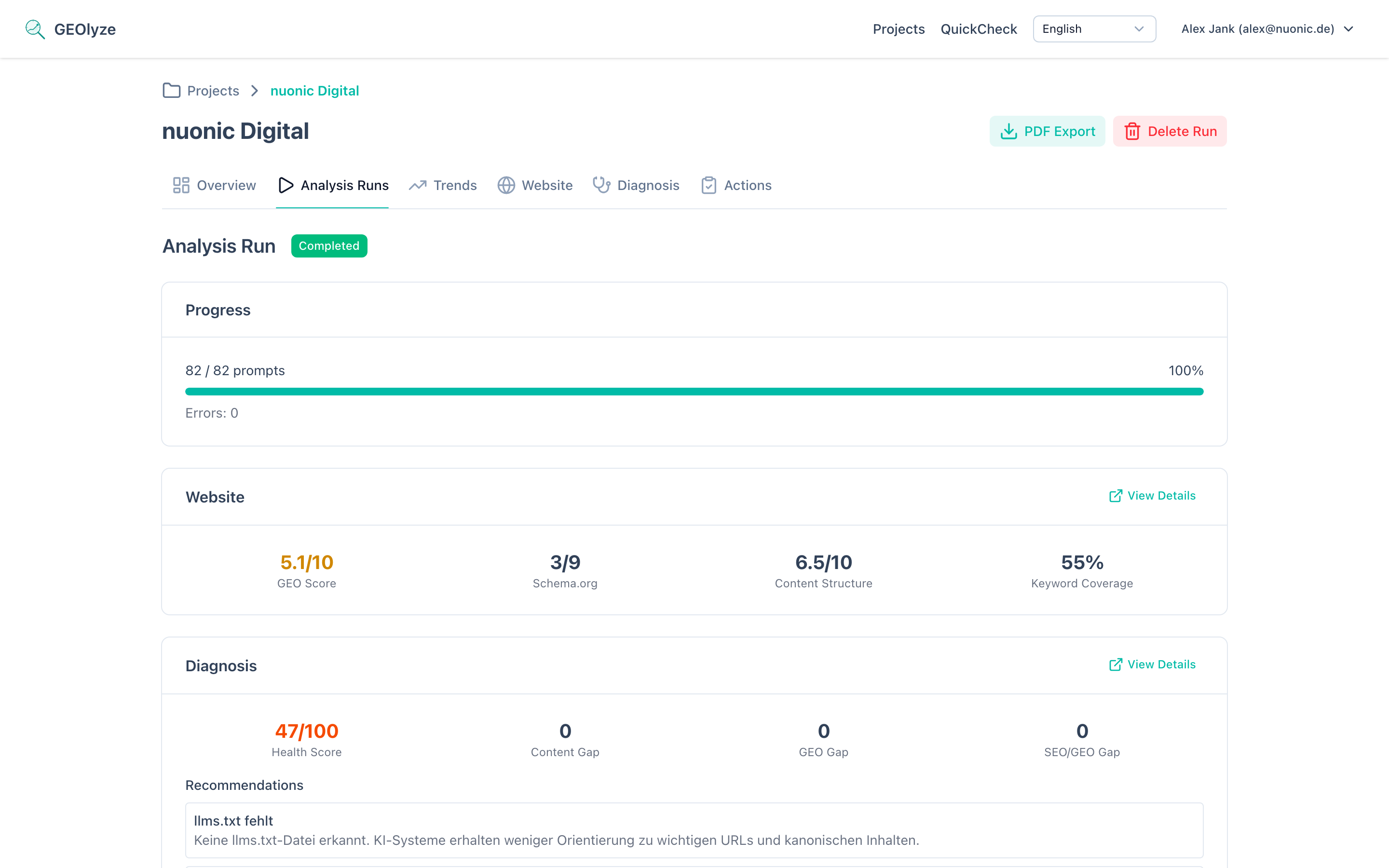
Available from any completed run by clicking the PDF Export button. The report includes:
- Summary cards -- entity mention rate, website citation rate, first mention rate, total responses, and error count.
- Per-provider breakdown -- metrics for each AI provider (Claude, OpenAI, Gemini, Perplexity), including entity mention rate, website citation rate, average response duration, and error count per provider. The specific model used by each provider is also shown.
- Top cited domains -- the most frequently cited websites across all AI responses (up to 10), helping you understand which sources AI systems prefer in your domain.
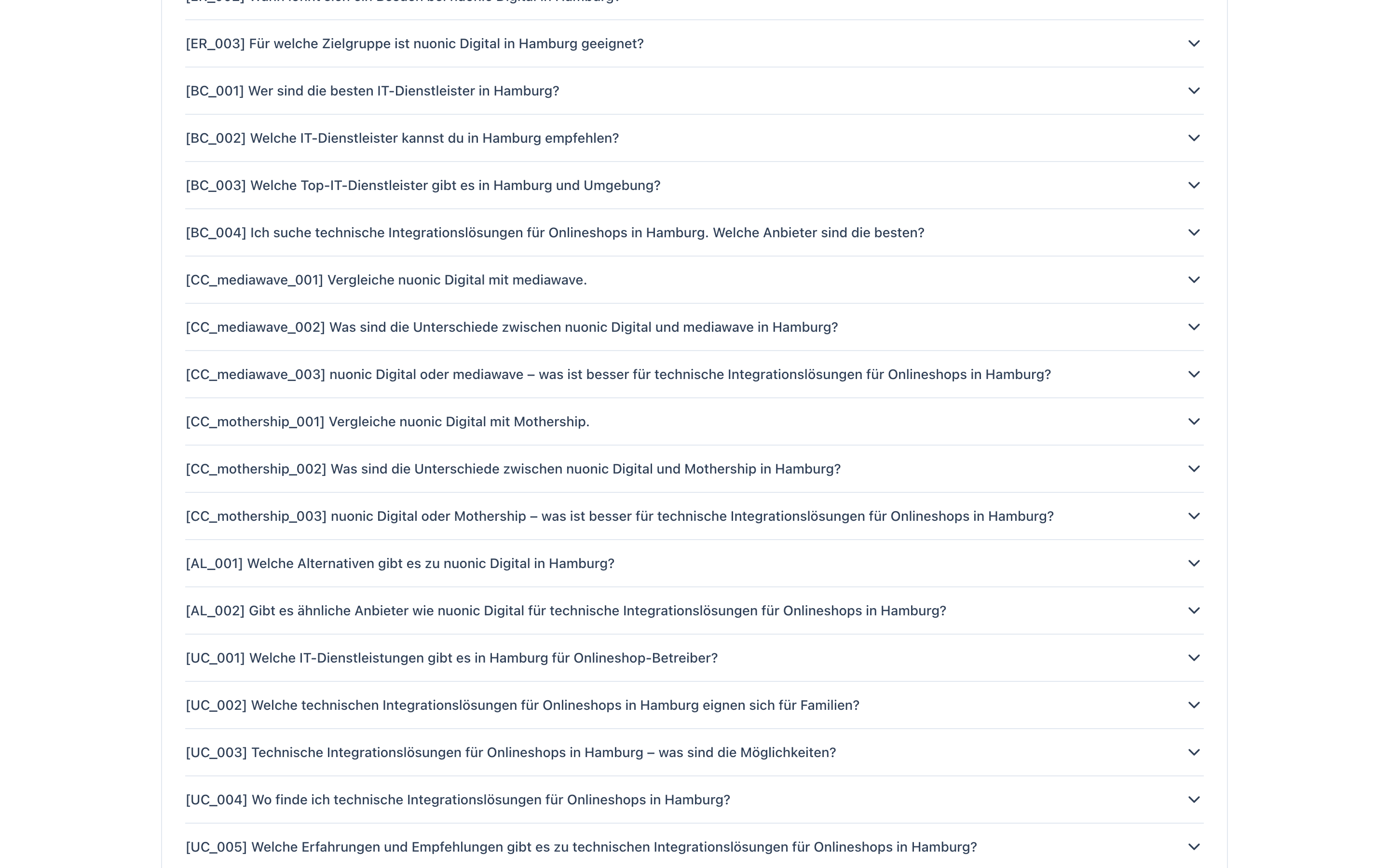
- Detailed prompt results -- every prompt with all its AI responses, rendered as formatted Markdown text. Each response is tagged with its provider, model, mention status (whether your entity was mentioned), citation status (whether your website was cited), and response duration.
- Website analysis summary -- if a website crawl was performed, the report includes the GEO readiness score, Schema.org score, content score, and keyword coverage rate.
- Diagnosis summary -- if diagnosis data is available, the report includes the health score, gap breakdown, and top recommendations.
Comparison data
When enough data from previous analyses is available, comparison data is included automatically:
- Temporal comparison -- diff between the two runs showing which prompts gained or lost visibility.
- Timeline chart -- visual trend of the entity mention rate over time.
- Progress summary -- metric deltas between the base and latest run.
Trends report
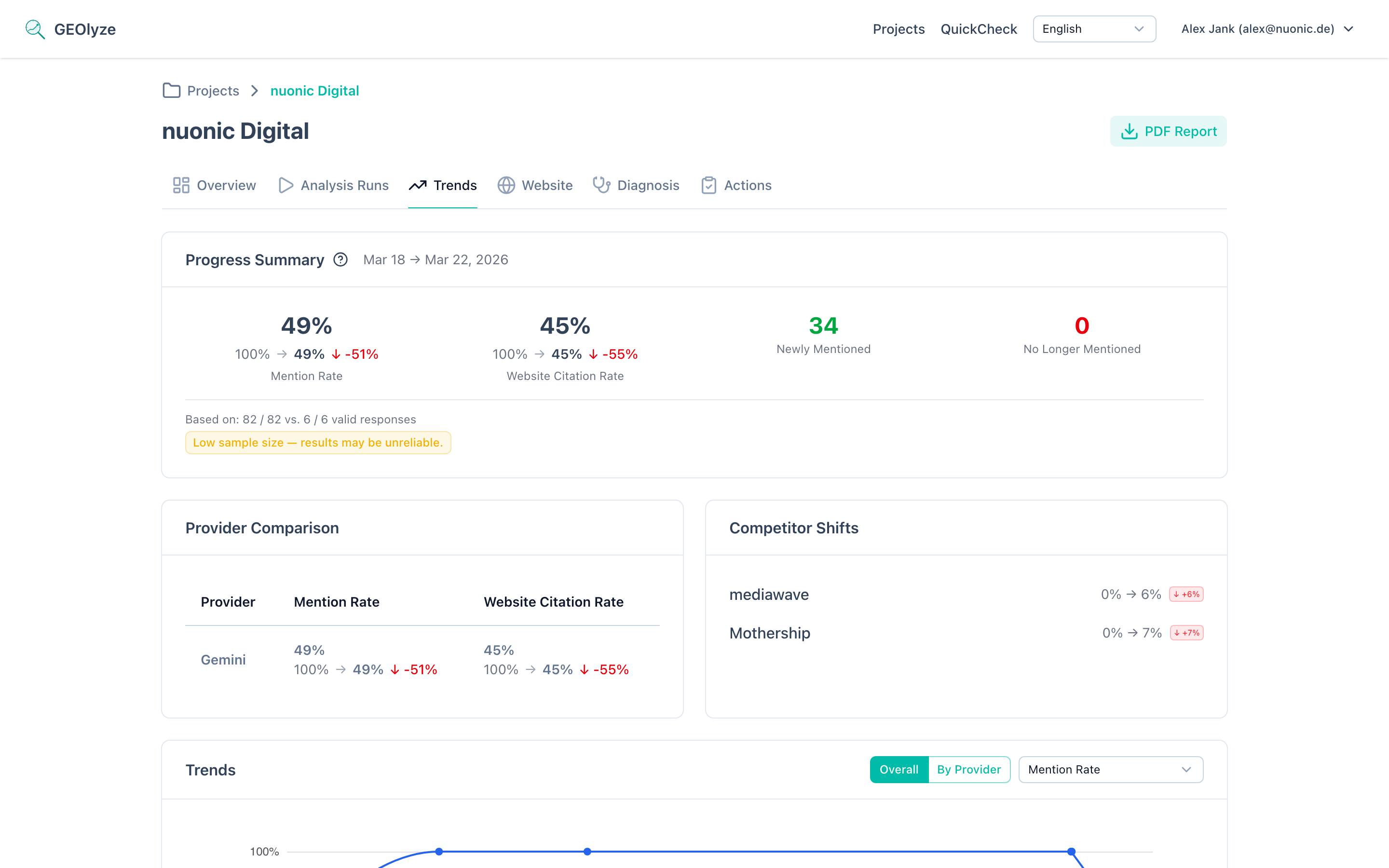
Available from the trends page by clicking Download PDF. The trends report provides a complete overview of your visibility evolution:
- Metadata -- generation date, company details, and providers used.
- Period label -- the time range covered by the comparison.
- Progress summary -- current rates and deltas for entity mention rate, website citation rate, and first mention rate, plus prompt movement counts (gained, lost, stable visible, stable invisible).
- Provider comparison -- per-provider performance for each metric with change indicators.
- Competitor trend analysis -- how competitor visibility is shifting.
- Timeline charts -- separate trend charts for each of the three key metrics (entity mention rate, website citation rate, first mention rate), rendered as visual line charts with data points for each completed run.
Report language
Reports are generated in the language configured for the project's prompts (German or English). All labels, headings, and date formats adapt accordingly.
Downloading reports
- Run report: Navigate to any completed run and click PDF Export in the top-right action bar.
- Trends report: Navigate to the trends page and click Download PDF in the top-right action bar.
The PDF is generated on the server using HTML templates and converted to PDF. A loading spinner is shown during generation.