

Billing
Billing
GEOlyze uses a pay-per-response billing model. You pay for each AI response based on actual usage.
Pricing
- Platform key rate: EUR 0.04 per response -- applies when GEOlyze uses its own API key for a provider.
- Own key rate: EUR 0.03 per response -- applies when you supply your own API key for a provider (a 25 % discount).
- Website analysis: EUR 1.00 per run, charged once when a website crawl completes successfully with at least one page. Delta runs (re-runs that only process changed prompts) reuse crawl results from the base run and do not incur this fee.
The total cost of a run depends on the number of prompts, the number of enabled providers, and whether you provide your own API keys. For example, 10 prompts with 3 enabled providers using platform keys would cost 10 x 3 x EUR 0.04 = EUR 1.20 for the AI analysis portion.
Cost estimation before a run
Before starting a run, GEOlyze shows a cost estimate dialog that breaks down:
- AI analysis cost -- based on the number of prompts multiplied by the number of enabled providers, at the applicable rate per provider (own key or platform key).
- Website analysis cost -- EUR 1.00 if website crawling is enabled (omitted for delta runs).
- Total estimated cost -- the sum of both.
- Your current balance -- shown alongside the estimate so you can see whether you can afford the run.
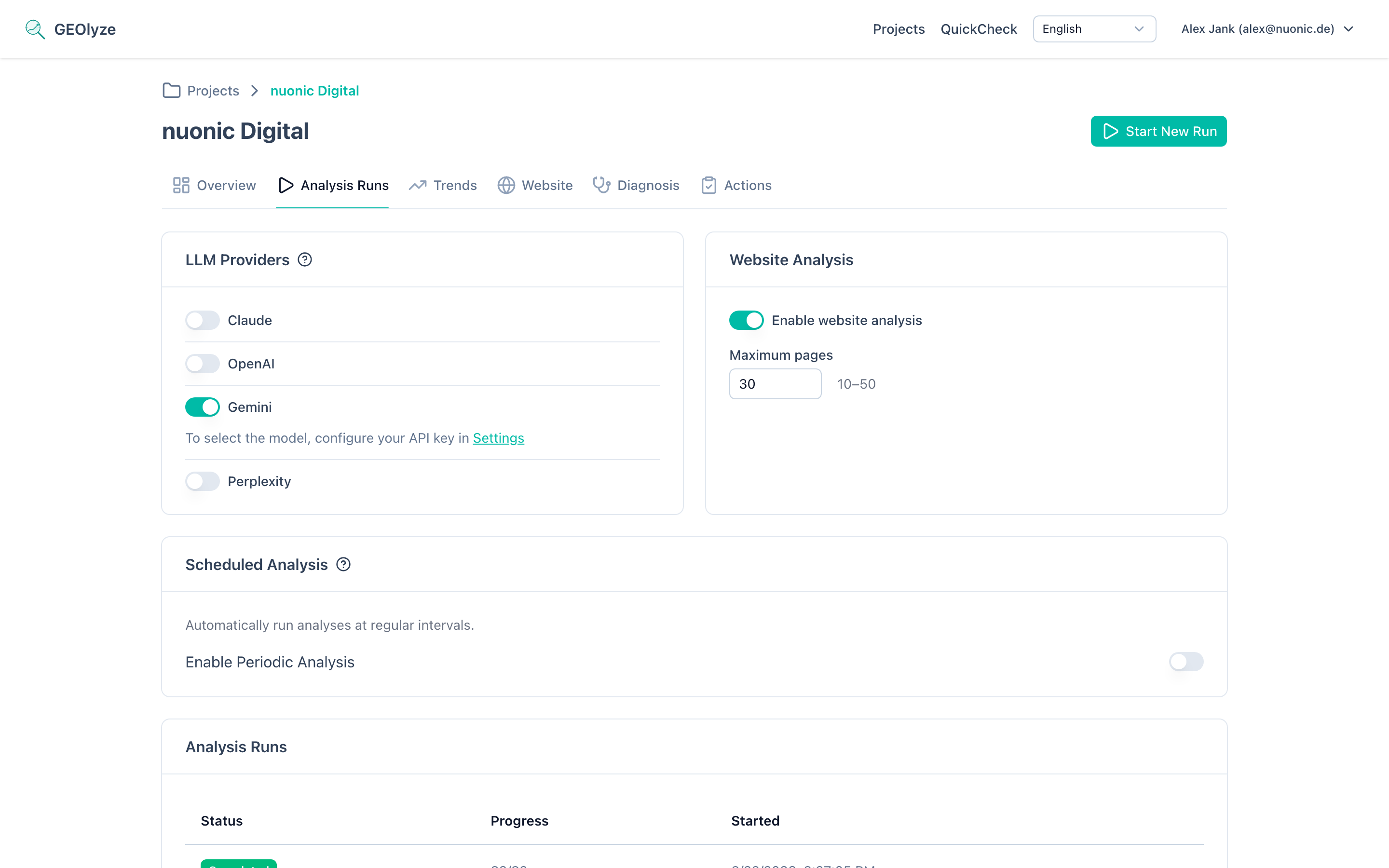
If your balance is insufficient, the run cannot be started from this dialog. You will be offered a link to top up your balance instead.
Delta runs and cost savings
When you re-run an analysis, GEOlyze detects which prompts have changed since the last completed run and offers a delta run that only re-analyzes the changed prompts. Unchanged results are inherited from the previous run at no cost. Delta runs also skip the website analysis fee because they reuse the existing crawl results.
Using your own API keys
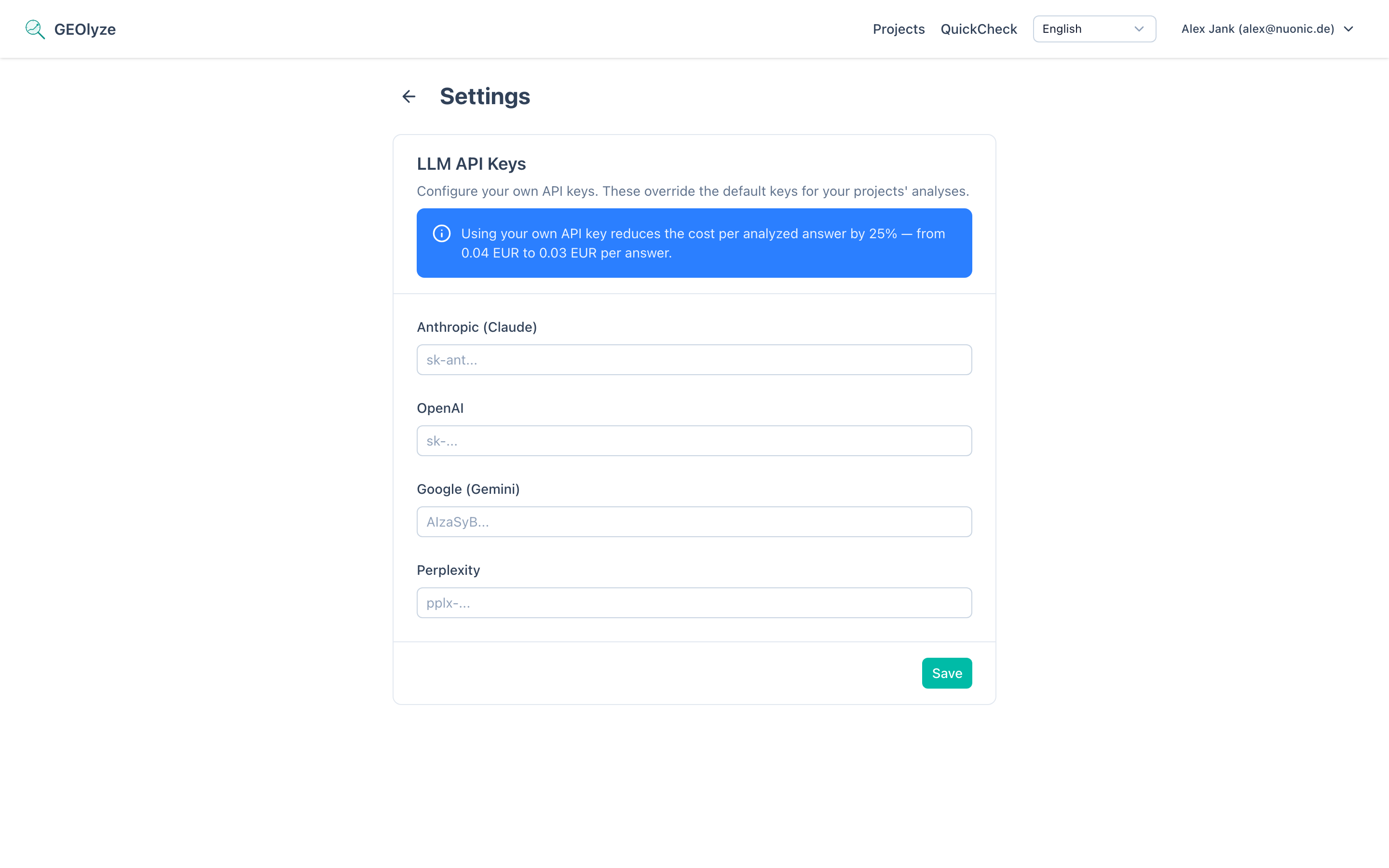
Providing your own LLM API keys under Settings is optional. For each provider where you supply a key, the per-response rate drops from EUR 0.04 to EUR 0.03. If you do not provide a key for a provider, GEOlyze uses its platform key at the standard rate.
You can configure keys for:
- Anthropic (Claude)
- OpenAI
- Google (Gemini)
- Perplexity
Balance management
Checking your balance
Your current balance is displayed:
- On the dashboard (projects overview page), as part of the billing status.
- In the cost estimation dialog before starting a run.
- Via the Billing link in the navigation menu, which opens the external billing portal.
Low balance warning
When your balance drops below EUR 2.00, a warning appears on the dashboard prompting you to top up.
Topping up your balance
To add funds, click the Top Up button that appears in the low-balance warning or the billing navigation link. This opens the external billing portal where you can manage your payment methods and add credit.
Setting up a billing account
If no billing account is linked to your user, the dashboard shows an alert with a Set Up Billing Account button. Clicking it opens the onboarding page of the billing portal. You must complete this setup before you can start analyses in Standard mode.
How charges work
Billing follows a two-step process:
- Pre-check -- Before a run starts, GEOlyze estimates the cost and verifies that your balance is sufficient. If your balance is too low, the run is blocked.
- Post-charge -- After a run completes, GEOlyze counts the actual successful responses (excluding inherited responses from delta runs and failed responses) and charges the exact amount. This means you are only charged for responses that were actually delivered.
Billing errors
If a billing issue occurs, the dashboard or the run detail page will show an alert. Common billing errors include:
- No billing account -- You need to set up a billing account before running analyses.
- Insufficient balance -- Your balance is too low to cover the estimated cost. Top up your balance and try again.
- Billing service unavailable -- The billing service could not be reached. Try again later or contact support.